The Official
MEGA888
Login Guide

The Official
MEGA888 Login Guide

Last Updated: 13 October 2026

Welcome to the official MEGA888 login guide! Here, you’ll learn how to access your account as well as troubleshoot any issue you might run into.

This step-by-step guide will apply across any and all legitimate and verified agents and affiliates that fall under the MEGA888 Group. throughout the years.

The

Regardless of which MEGA888 Agent your account may be registered under, the login process is as follows:

Steps with Image Slider
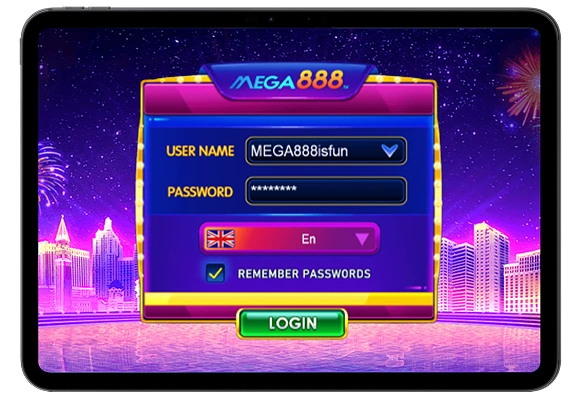
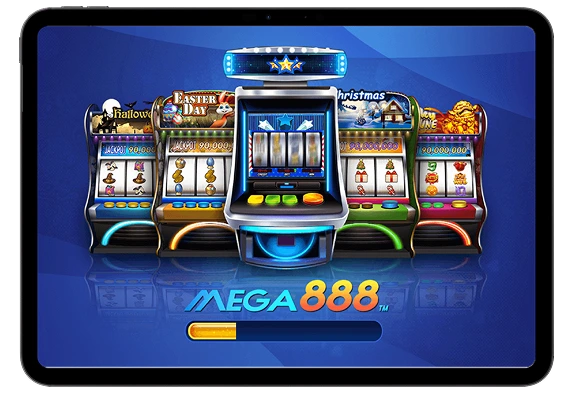
1. Enter the official MEGA888 App.
2. On the login page, enter the User ID and Password provided to you, either through a recognised agent or our official MEGA888 Register portal.
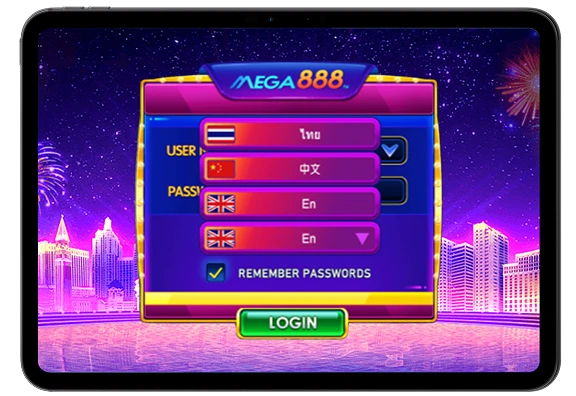
3. Select your preferred language option.
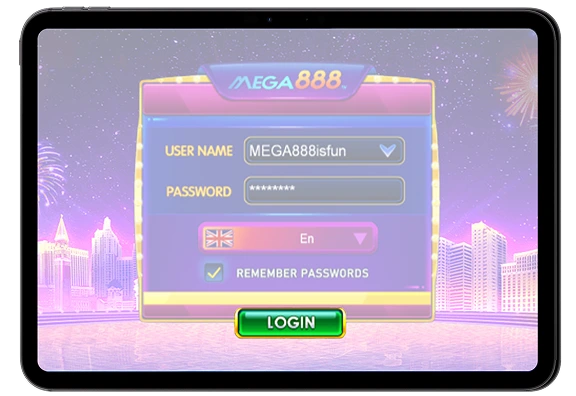
4. Click on the "Login" button.
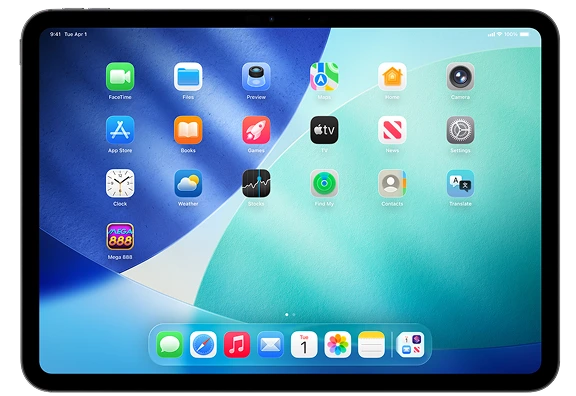
MEGA888 Register Process Step 1 MEGA888 Register Process Step 2 MEGA888 Register Process Step 3 MEGA888 Register Process Step 4

If you’ve entered your login credentials correctly, you’ll now be able to access our full library of games at your fingertips.

Practice Online Safety When Logging Into MEGA888

Here are a few key things to keep in mind to maintain your account security when using MEGA888 Login portals. 

  • Never share your login credentials with unverified third parties. 
  • Only ever access your account after verifying that you are using an officially licensed MEGA888 App. 
  • Setup 2FA requirement to access the MEGA888 App on your device. 

Troubleshooting

The following are a few issues you might encounter when trying to access your account and possible solutions to resolve the problem.

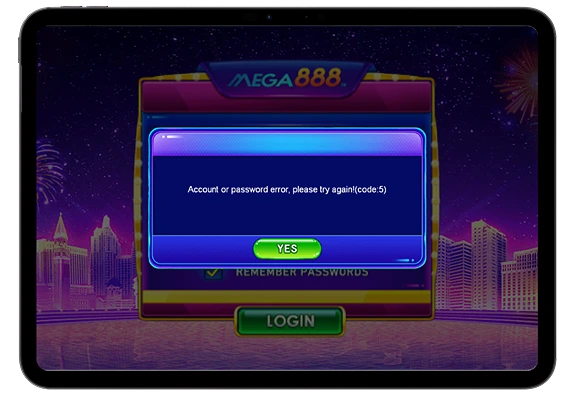
MEGA888 App Code: 5 Error

“Login Failed” Message

If your receive a “Login Failed” message after clicking on login, consider the following solutions:

  • Check to see if your login credentials are correct.
  • Restart your device, then try logging into your account again.
  • If you’ve forgotten your password, contact our helpline to recover or reset it. Contact our helpline and inquire about your account’s current status.
MEGA888 App Code: 5 Error
Frozen Loading Screen on the MEGA888 App

App Freezing On the Loading Screen

If your MEGA888 App freezes on the loading screen after clicking on login, consider the following solutions:

  • Reset your internet connection, then try logging into your account again.
  • Check to see if our server is currently under maintenance.
  • Check if your version of the MEGA888 App is legitimate and up-to-date.
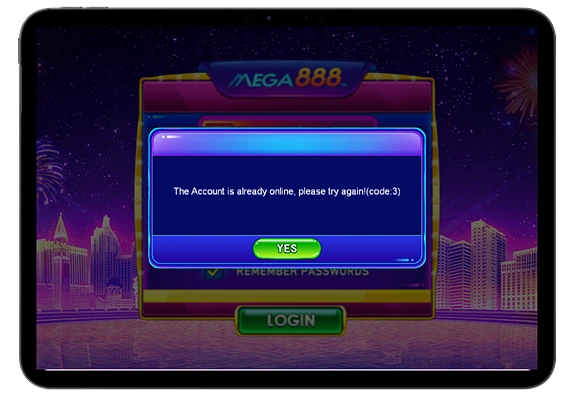
MEGA888 App Code: 3 Error

Code:3 Error

A Code:3 error means the account you are accessing is currently already logged in on another device.

To fix a Code:3 error, simply log out of your account on the previous device and try logging in again on your current device. If this issue persists after logging out of all devices, please contact our help agents as soon as possible — your account may be compromised.
MEGA888 App Code: 3 Error

And

Password reset and recovery is not available through MEGA888Group2.com for security reasons. To reset or recover your forgotten password, you’ll have to go through the following steps:

  1. Reach out to our main Customer Support helpline.
  2. Provide your User ID and the account’s attached contact number.
  3. The help agent will then help you reset your password.

When resetting your password, always ensure your new password is as unique as possible to prevent others from accessing your account.

With Us Yet?

Don’t have an account yet? Sign up for one today on MEGA888 Register!

Need More

Need remote help resolving login issues or recovering your account credentials? Our dedicated around the clock helpline is always ready to provide assistance.

Free Angpao agent email telegram whatsapp